
Bartlett Citation Search Has Number Rules
Bartlett’s nCourt lookup requires both a citation or case number and a last name. The portal advises users to wait five days after a ticket is issued. If a citation starts with 0 or S, its instructions say to try without that prefix. A search made too soon or with the wrong format can return no entry.
The image shows the blank city citation form. It is not a complete Bartlett warrant roster.
How to Check for a Warrant in Bartlett
For a Bartlett ticket, start with the city’s nCourt form and the clerk at 901-385-5580. The official review found police, court, and citation routes but no separate public active-warrant roster. Call the clerk if the portal is blank or the case required a court appearance.
- Read the citation to confirm Bartlett issued it and note the number and court date.
- Wait the portal’s stated five-day entry period, then search with citation or case number plus last name.
- Try the portal’s prefix guidance for a leading 0 or S, then call the clerk if no entry appears.
- Call Bartlett City Court at 901-385-5580 to ask whether a missed setting became warrant process.
- Search the SCSO portal for county process; Tennessee has no complete public statewide warrant lookup.
Bartlett Police and Court Share a Center
The Bartlett Police and Justice Center is at 3730 Appling Road. Police, records, and court contacts are colocated, but their jobs differ. Police contact is for law-enforcement and report questions; the court clerk handles dockets, citations, and warrant-status questions tied to a city case.
Bartlett’s 2020 Census count was 57,786, ranking it second among the county’s city profiles. It is a population vintage for ordering pages, not a measure of local warrant activity.
The official contact directory separates the police and court phone routes.
The Bartlett Police Department and Municipal Court
Bartlett City Court handles city-code and eligible state-law matters; the city code says its judge or clerk may issue local process. Police execute law-enforcement duties, while the clerk maintains the docket and warrant records. The city clerk’s phone is 901-385-5580, and the official court page lists email and service details.
Bartlett City Court lists Monday noon and Wednesday 8:00 a.m. sessions. A posted session is not proof of a person’s own date. Call the clerk before visiting.
Bartlett Police Department
3730 Appling Road
Bartlett, TN 38133
Non-emergency: 901-385-5555
Bartlett Court Dates Need Clerk Confirmation
The court page lists Monday noon and Wednesday 8:00 a.m. sessions for its divisions. Those public session times do not tell a person whether their case was called, reset, or converted to further process. If you missed a date, call the clerk with the citation and ask what the docket now requires.
The official page also links court-access rules and an ADA contact. Check those current instructions before a visit.
Types of Bartlett Warrants
Bartlett’s municipal court can handle local ordinance and state-law matters within its jurisdiction. A ticket, missed appearance, or police investigation may follow different process. Ask the clerk whether a city citation remains open or whether a judge issued a warrant.
| Warrant Type | How It Arises | Who Issues It |
|---|---|---|
| Traffic process | Unpaid Bartlett citation or missed date | Bartlett City Court |
| Ordinance process | Unresolved city-code matter | Bartlett judge or clerk under local rules |
| FTA / bench process | Missed city court setting | Issuing municipal judge |
| Arrest warrant | Judicial process after probable-cause review | Judge or magistrate |
Bartlett Code Names the Clerk’s Role
Bartlett’s municipal code describes the clerk as keeping the docket and warrant records and gives the city judge or clerk authority to issue local process for city ordinance and state-law violations in the city. The code is a dated legal source; it does not show whether a particular warrant is active now.
Use the official court page and current clerk contact for a case-specific answer.
What a Bartlett Warrant Record Shows
The portal is citation-oriented and does not expose a public active-warrant result sample. Start with the citation or case number and last name. A warrant number, booking number, and court cause number may be different identifiers, so use the label printed on the paper.
| Warrant / Cause Number | Use the citation or case number from the Bartlett paper: number as printed. |
|---|---|
| Subject Name | Last name is required by the city portal. |
| Charge / Offense | Read the docket label and ask the clerk if unclear. |
| Issuing Court | Bartlett City Court for a city-issued matter. |
| Bond / Fine Amount | Confirm current amounts and permitted payment with the clerk. |
| Status | Ask separately whether a citation or warrant was recalled. |
Bartlett’s Five-Day Entry Delay
The city’s nCourt page says to allow five days for a new citation to appear. If the search is blank sooner, wait the stated period and confirm the date with the clerk. A missing vendor entry does not cancel a scheduled court appearance or establish that a warrant was not issued.
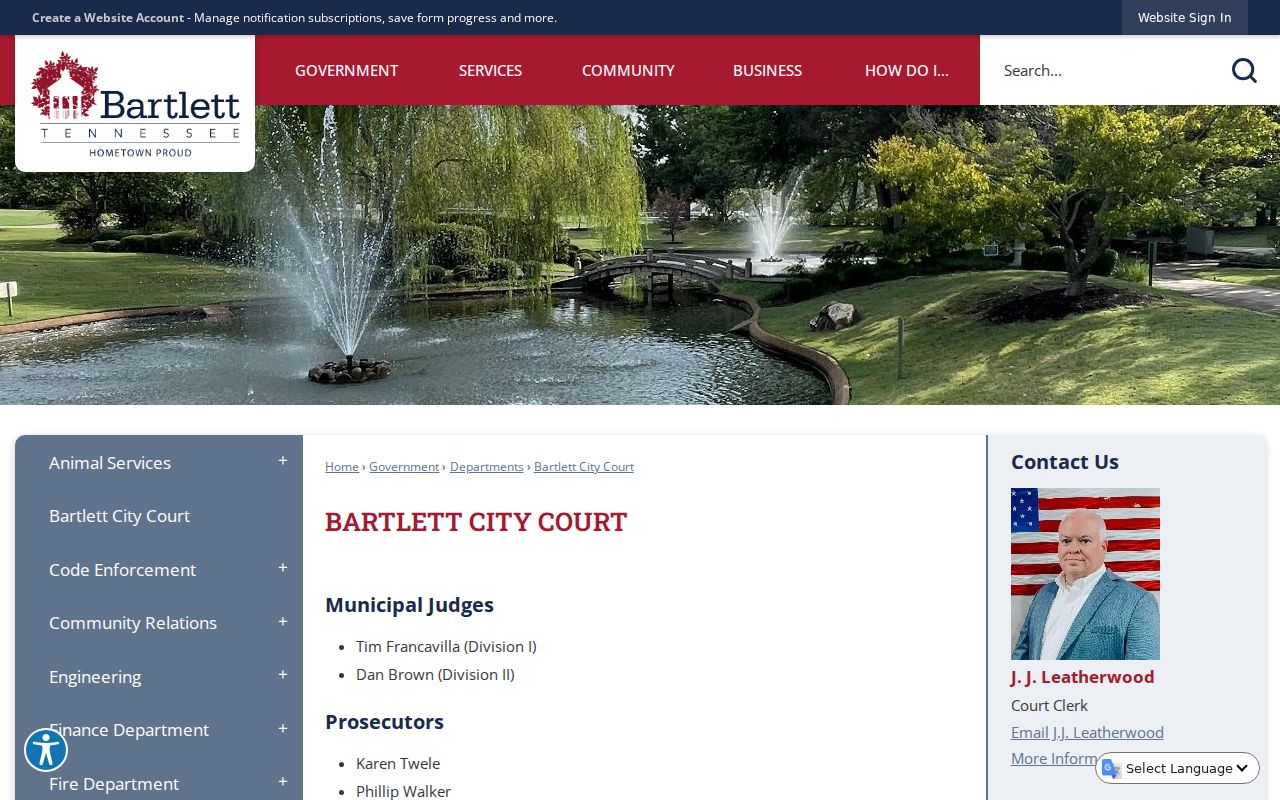
The court page’s sessions and portal instructions are separate from an individual’s docket entry.
Where Bartlett Warrants Fit With Shelby County
Bartlett City Court and Police keep city records; SCSO maintains its county-published warrant search. Tennessee has no single public index for every county and municipal warrant; TBI’s Top 10 is a curated program. For county routes, use Shelby County warrant records and the county search channels.
Warrant flow: Bartlett City Court / Police › Shelby County Sheriff’s Office for county process › no complete public Tennessee statewide search
Bartlett Court Access Rules Change the Visit
Bartlett’s court rules address weapons, bags, dress, electronics, and recording; they also name an ADA contact. Review the current official rules before arriving. A courthouse session is not a general service window, so call the clerk first if you need a warrant-status check or records copy.
The source describes court access, not a private warrant result. Keep personal paperwork secure and share identifying details only with the official court.
Public Access to Bartlett Warrant Records
Tennessee’s Public Records Act, T.C.A. § 10-7-503, allows public access to many Bartlett records subject to exceptions. Juvenile files and sealed process have special restrictions, and a citation portal may not provide a copy of the court file. Ask the clerk what can be released.
Key Rules:
Tennessee Public Records Act, T.C.A. § 10-7-503 covers public access to city government records, subject to exceptions.
Tennessee Rules of Criminal Procedure govern criminal process and court procedure.
T.C.A. § 37-1-153 restricts access to many juvenile records.